
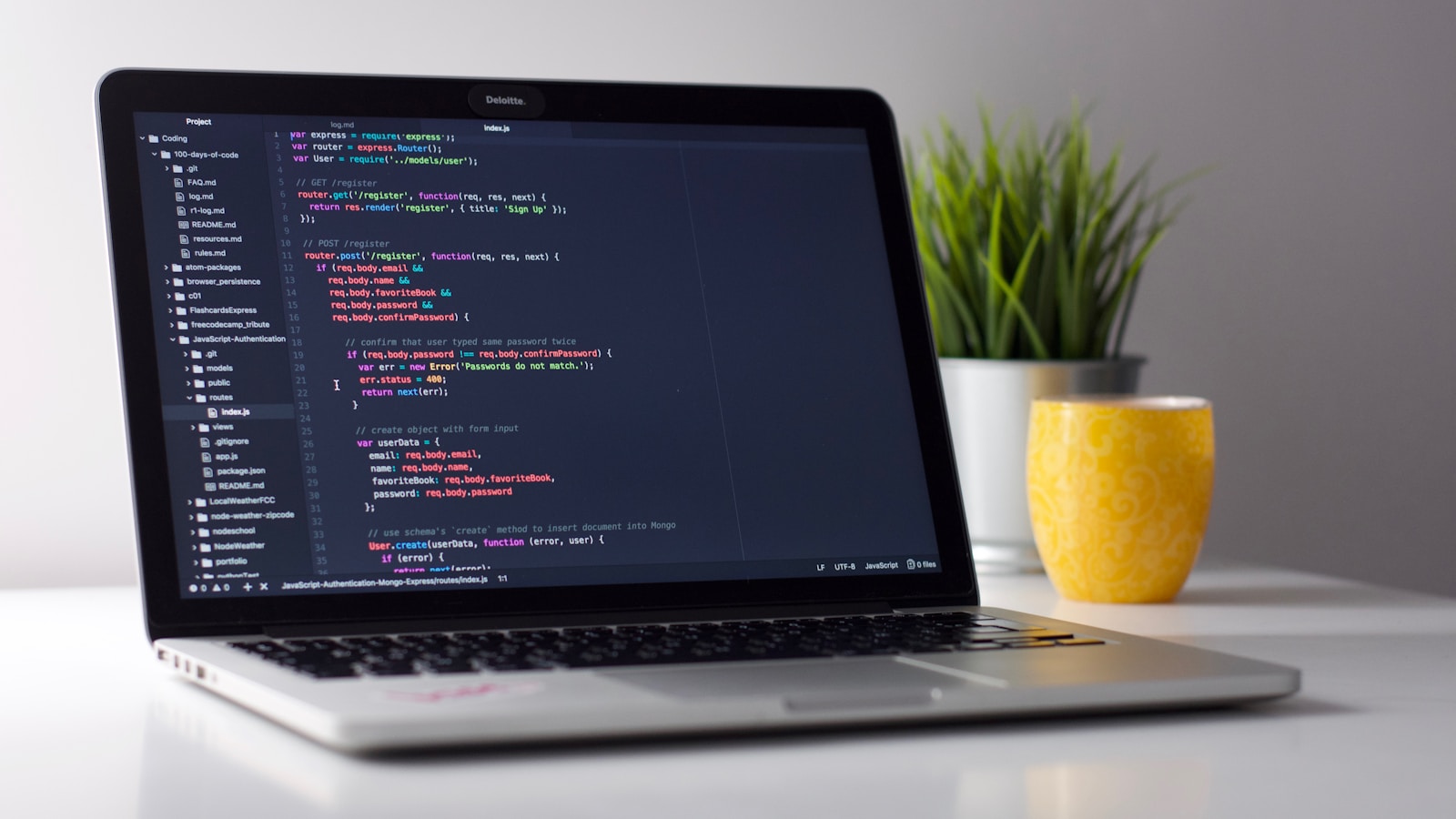
Picking the best laptops for students in 2026 is mostly about boring qualities: long battery, light enough to carry every day, comfortable keyboard, repairable enough to make it through 4 years. Here is the honest, hand-tested list.
What actually matters for student life
- Battery: 12+ hours of real-world use. Class + library + cafe with no outlet hunting.
- Weight: under 1.5 kg ideally. You'll regret a 2 kg slab by week 3.
- Keyboard: typing 5+ hours a day, comfort matters more than RGB.
- Screen: matte or anti-glare ≥ 13.5", 1080p or better.
- Repairability: replaceable battery + SSD if possible.
- Price-to-longevity: ideally lasts 4 years without major issues.
The shortlist by budget
Under €500 — refurbished is king
- Refurbished MacBook Air M1 (2020) — €400-€480 from Back Market or Refurbed. Best laptop you can buy under €500. Apple silicon = 15+ hours real battery.
- Refurbished ThinkPad T14 / T480 — bulletproof keyboard, full Linux support, easy to repair.
- Chromebook Plus 14 (Acer / Lenovo) — €280-€400 new. Limited but excellent if your work is web-based + cloud-only.
€500-€900 — solid mid-range
- MacBook Air M3 (2024) 13" — €899 student price. Best all-round student laptop in 2026, full stop.
- Lenovo ThinkPad E16 / E14 Gen 6 — best PC keyboard, repairable, great Linux compatibility.
- Asus Zenbook 14 OLED — beautiful screen, light, decent battery.
- Framework Laptop 13 (DIY edition) — €750+, fully repairable, modular ports. Steal of a deal long-term.
€900-€1,400 — premium
- MacBook Air M3 15" — bigger screen, same battery, ~€1,200.
- MacBook Pro 14" M4 — overkill for most students unless you do video editing or 3D.
- Dell XPS 14 — gorgeous build, OLED option, mid-tier battery.
- ThinkPad X1 Carbon Gen 12 — best traditional Windows ultrabook.
For specific majors
- Engineering / CS: ThinkPad T14, MacBook Pro 14", Framework 16. Linux compatibility matters.
- Design / Architecture / Film: MacBook Pro 14"/16" or Asus ProArt 16. Good colour accuracy.
- Business / Liberal Arts / Law: MacBook Air or any quiet ThinkPad. Battery > GPU.
- Science / Medicine: Surface Pro 11 (writing on screen) or 2-in-1 Lenovo Yoga.
What to skip
- Gaming laptops marketed as "study + gaming". Heavy, hot, battery-poor.
- Cheapest sub-€350 generic Windows laptops. Slow, often die in year 2.
- Tablets-only. iPads are great companions but rarely complete laptops for academic writing.
- 14"+ laptops over 1.8 kg if you commute by foot or transit.
Specs that matter (and don't)
Memory
16 GB RAM minimum in 2026. 8 GB is fine on Apple silicon for light use, but 16 GB future-proofs the laptop. Skip 32 GB unless you do video editing or VMs.
Storage
512 GB SSD sweet spot. 256 GB fills up faster than expected; 1 TB only if you store video locally.
Processor
- Mac: M3 or M4 — both fine.
- Intel: Core Ultra 5 or 7 (155H / 165H / 200V series).
- AMD: Ryzen 7 7840U / 8840U / Ryzen AI 9 365.
- Snapdragon X Elite — interesting, but software compatibility still patchy.
Graphics
Integrated is enough for almost every major. Discrete GPU only if you do CAD, 3D rendering, or serious gaming.
Accessories that pay off
- External SSD (€60 1 TB) for video projects + backups.
- Decent USB-C hub if you go ultraportable.
- Bluetooth mouse for long writing sessions.
- Wireless headphones with mic for class recordings.
- Laptop sleeve. Spending €20 prevents a €1,000 mistake.
Software student deals to claim
- Microsoft 365 Education — usually free with student email.
- JetBrains All Products Pack — free for students.
- GitHub Student Developer Pack — Copilot + a dozen more tools free.
- Notion Plus — free for students.
- Apple education store — €100-€200 off + free AirPods at term start.
Repair strategy
- Buy AppleCare+ for Macs (the screen + battery replacements pay off in year 3-4).
- Get a spec'd extended warranty for ThinkPads / Dells.
- For Framework: keep one extra battery + bezel set. Self-repair takes 30 minutes.
The 7-day buying plan
- Day 1: list daily tasks. Identify the heaviest one (video calls, video editing, coding, writing).
- Day 2: pick budget tier.
- Day 3: shortlist 3 models. Read recent reviews on Notebookcheck.
- Day 4: visit a store to type on each. Keyboard feel matters most.
- Day 5: compare student price + refurbished + Amazon Renewed.
- Day 6: order with credit card (in case you need to return).
- Day 7: set up cloud backup (Google Drive, iCloud, Dropbox) day one.
The bottom line
The best laptops for students in 2026 are the ones that disappear into your bag and last 14+ hours unplugged. MacBook Air M3 wins overall. ThinkPad E14 wins on Windows. Refurbished M1 wins on budget. Framework 13 wins for the long-term mindset. Pick from the shortlist, claim the student deals, and your laptop will see you through to graduation.