
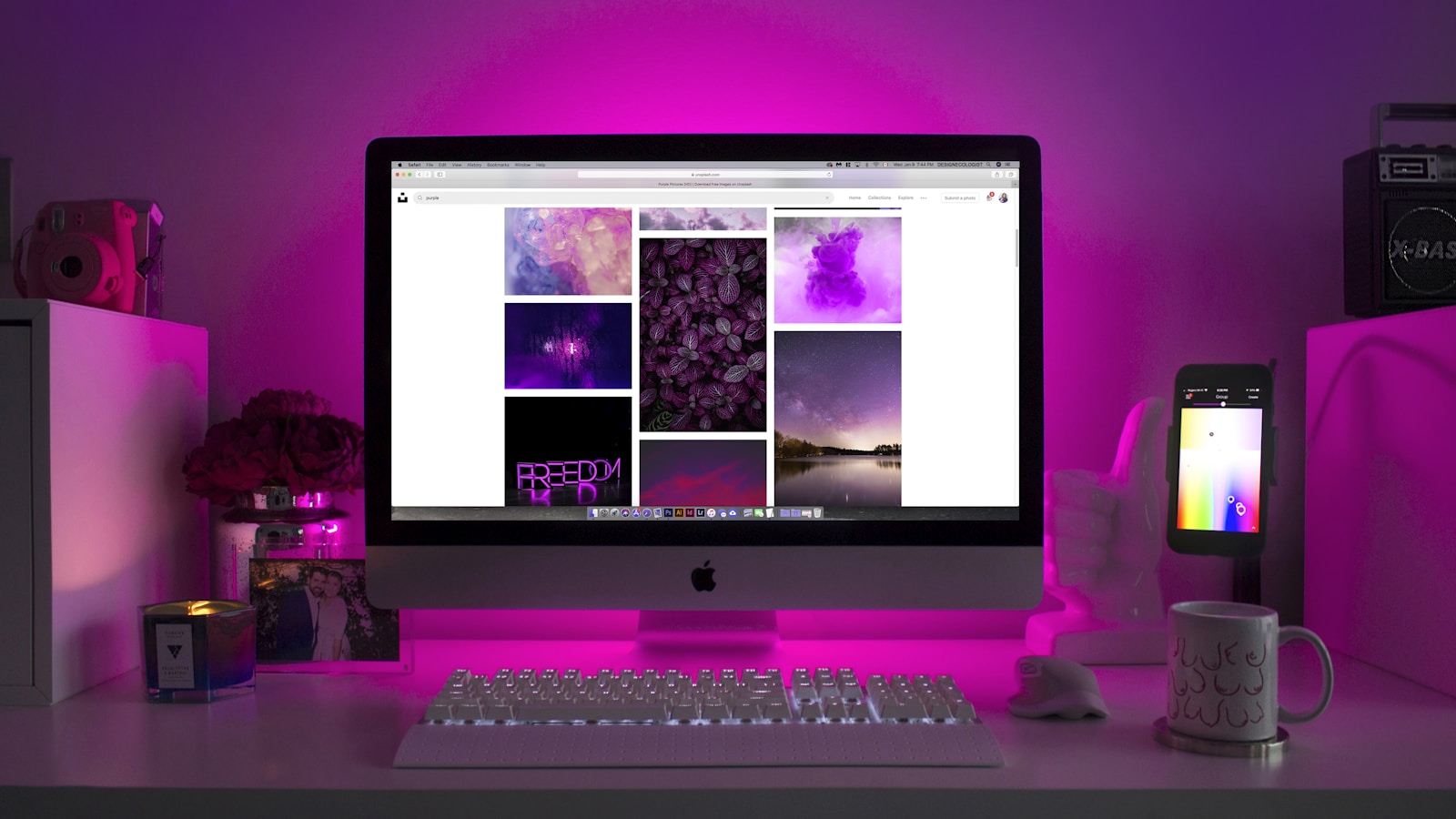
The honest answer to best monitors for developers in 2026 is not "the highest resolution you can afford." It is "the size, ergonomics, and panel quality that let you read code without eye strain for 8+ hours." Most developer monitor reviews chase pixels and refresh rates that do not move the needle for someone reading text. Here is the version that prioritises what coders actually need.
The size that matters most
For a single-monitor coding setup, 27 inches at 1440p (QHD) is the sweet spot. 32-inch 4K is fine but requires UI scaling that some Linux apps still handle poorly. Anything below 24 inches feels cramped within an hour. Two 27-inch 1440p displays beat one 49-inch ultrawide for most coding workflows — split-screen behaviour is more intuitive on two physical monitors than one wide one.
Resolution: the unpopular truth
1440p at 27 inches is the practical winner. 4K at 32 inches looks better in screenshots; in actual daily use, the OS scaling overhead adds friction. The exception: anyone working primarily on macOS, where 4K scaling is now smooth and the Retina-class clarity is genuinely worth it.
Frame rate / refresh rate above 60 Hz is essentially irrelevant for coding. 120 Hz feels nicer when scrolling, but does not change the work. Save the budget for panel quality.
The four picks worth considering
1. Best overall: Dell U2725QE / U2724DE
The "professional" line keeps quietly being the right answer. IPS panel, factory-calibrated, USB-C dock with 90W power delivery (single cable to your laptop), excellent ergonomics with full height/tilt/swivel/pivot. €450–€650 depending on resolution.
2. Best for macOS: Studio Display
If you use a Mac, the Studio Display's panel calibration and macOS integration are hard to beat. The lack of HDR and limited adjustability are the trade-offs. Expensive (€1,800+), but compelling for Mac-first workflows.
3. Best ultrawide for those who want one: LG UltraWide 38WP85C / Dell U4025QW
Some developers genuinely prefer one ultrawide to two monitors — the seam-free workspace can be productive once you adapt. 38-inch 3840×1600 is the right resolution. Avoid 34-inch ultrawides; the vertical pixel count (1440) is too cramped for code.
4. Best budget pick: Dell S2722QC, BenQ PD2705U, or LG 27UL850
4K 27-inch IPS at €350–€450, with USB-C and decent build quality. The budget-developer monitor that does not feel like a compromise.
What actually matters for code
- Pixel density (PPI). 27" 1440p ≈ 109 PPI; 32" 4K ≈ 138 PPI. Above 130 PPI, text is genuinely sharper. Below 100 PPI, individual pixels are visible to careful eyes.
- Matte finish. Glossy panels reflect lights and windows. Matte is the universal correct answer for office work.
- Height adjustment. The top of the screen should be at eye level. Without proper height, you slowly hunch all day. Non-negotiable.
- Pivot capability if you read very long files; rotating one monitor to portrait for code review is genuinely useful for some workflows.
- USB-C with 90W+ power delivery if you use a laptop. Single cable to laptop = power + video + USB hub. Underrated quality-of-life upgrade.
- Color accuracy out of the box if you do any front-end work with design specs. Look for sRGB ≥ 99% and DCI-P3 ≥ 95%.
What does not matter for code
- HDR. Essentially irrelevant for text editors and IDEs.
- Refresh rate above 75 Hz. Marketing for gamers, not coders.
- "Curved" monitors below 32 inches. Mostly aesthetic; no productivity gain on smaller screens.
- OLED for primary monitor. Excellent picture, real burn-in risk for static UI elements like file trees and terminal prompts. Unless you actively manage screen-saving habits, IPS is safer.
The two-monitor question
Most developers benefit from a second monitor; not all do. The honest test:
- If you regularly need code visible while reading docs, looking at logs, or in a video call → two monitors win.
- If you mostly run a single full-screen editor with split panes → one excellent monitor often beats two mediocre ones.
If you go two monitors, match them in size and resolution. Mismatched monitors create UI scaling chaos.
Ergonomics: the cheap upgrades that compound
- Monitor arm (Ergotron LX, Vivo Stand-V001, Jarvis arm). €70–€200 once. Frees desk space, improves ergonomics, allows micro-adjustment all day.
- Bias light. A small LED strip behind the monitor reduces eye strain meaningfully for evening work. Govee or Philips Hue Play work fine. €25–€60.
- Anti-glare coating already covered by matte panel choice; reinforces why glossy monitors hurt all-day use.
The setup mistakes I see weekly
- Monitor too low; cricked neck by 4 pm.
- Monitor too close; eyes strain at sub-50 cm distance.
- Maximum brightness in a dim room; headache by 7 pm.
- Single cable mess hanging behind a non-arm-mounted monitor.
Each of these is a free fix. Do them once.
Bottom line
The best monitor for developers in 2026 is a 27-inch 1440p IPS with USB-C, height adjustment, and matte finish. Dell's U2725QE / U2724DE remain the safest picks. Studio Display if you live in macOS. Skip the gaming refresh rates, the curved 34-inch ultrawides, and the OLED for static workflows. Mount it on an arm, set the height correctly, dim the brightness in the evening, and you have a coding setup that will work better than 90% of expensive ones for less than half the price.