
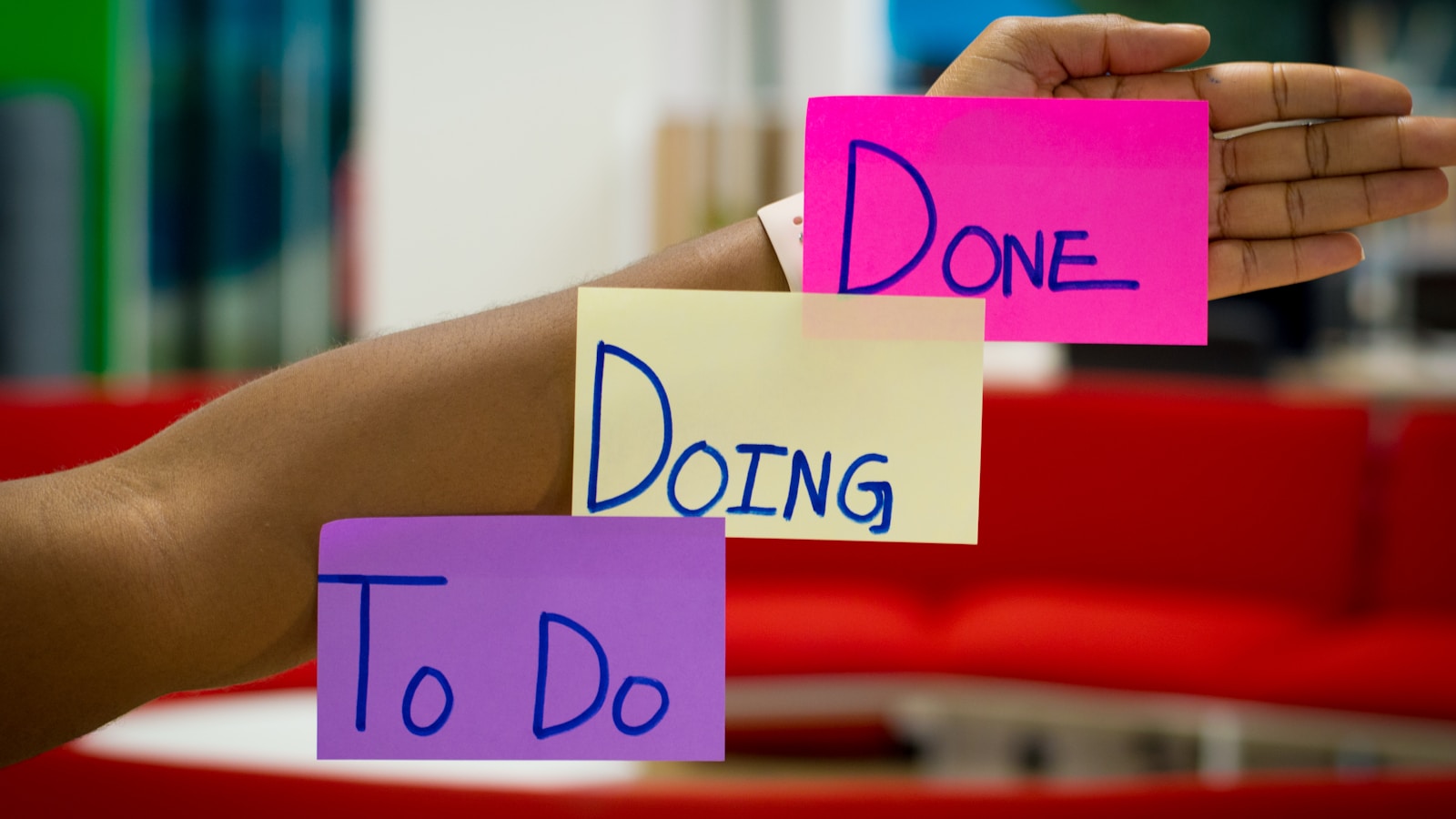
The honest list of best productivity apps for 2026 is shorter than the App Store wants you to believe. Most "productivity" launches are shovelware with an AI sticker on the box. The apps that genuinely earn their place on a phone or laptop are the ones you would still use if every YouTuber stopped paying-promoting them tomorrow. Here is the curated set, by category, with what to skip.
Tasks: pick one and stop shopping
The single biggest productivity-app mistake in 2026 is "task-app hopping" — switching every six months and re-importing your list. Pick one and live in it for a year before judging.
Top picks
- Things 3 (Apple only). Beautiful, fast, deeply opinionated. The default if you live in the Apple ecosystem and value craft. One-time purchase, no subscription.
- Todoist. Cross-platform, mature, sane keyboard shortcuts, great natural-language input. The best generalist pick.
- TickTick. Todoist's hungrier sibling. Built-in Pomodoro, calendar, habits. Cheaper. Great for people who want one app instead of three.
- Apple Reminders / Microsoft To Do. Free, native, increasingly capable. If you are starting from scratch, try the native app first; the paid alternatives need to clearly justify the upgrade.
Skip
Anything with "AI agent" branding that promises to "auto-prioritise your tasks." None of them are good in 2026. The decision of what to do next is the work itself, not a function to outsource.
Notes: the boring choice wins
Top picks
- Apple Notes. Underrated. Fast, encrypted, syncs flawlessly, supports tables and PDFs. For 80% of users, it is the right answer.
- Obsidian. Local markdown files, cross-platform, plugin ecosystem. The choice if you want to own your notes forever and do not mind a 30-minute setup.
- Notion. Database-shaped notes, team-friendly, generous free tier. Less great as a pure note-taker; great as a wiki-database hybrid.
- Logseq. Outliner-first, also markdown-based. Niche but devoted fanbase.
Skip
The "AI second brain" apps that lock your notes in a proprietary format and promise to organise them for you. Two years from now, half of them will be gone, and your notes will go with them. Plain markdown is forever; vendor-flavored formats are not.
Calendar: get the two-app combo right
You probably need two calendar apps: a phone-friendly one and a desktop-power one.
Top picks
- Fantastical (Apple). The phone calendar to use. Natural language event creation, beautiful glance views.
- Apple Calendar / Google Calendar. The free defaults are surprisingly competent in 2026. Try them first.
- Cron / Notion Calendar. The desktop power tool. Quick scheduling, multi-account merging, time-zone overlays. Best meeting workflow in the category.
- Reclaim.ai or Motion. If you spend 4+ hours a day in meetings, the auto-scheduling tools genuinely save time. Below that threshold, they are overkill.
Focus: the apps that actually quiet the phone
Top picks
- Native Focus modes (iOS / macOS / Android). Free, built-in, surprisingly granular. Set them up once and skip the third-party tools.
- Forest. Plant a virtual tree; if you leave the app, the tree dies. Sounds twee, works for a lot of people. Especially good for students.
- One Sec. Adds a 10-second pause before opening designated apps. The friction breaks the autopilot reach. Single biggest reduction in social-app use I have seen anyone produce.
- Cold Turkey Blocker (desktop). Brutally effective if your willpower needs a hard wall. Once enabled for X hours, you cannot turn it off — that is the point.
Automation: the unsexy multiplier
Top picks
- Apple Shortcuts. Free, deeply integrated. The first hour invested pays back for years.
- Raycast (Mac). Spotlight on steroids. Snippets, window management, app launchers, calculator, clipboard history, AI commands — all in one keystroke. Replaces five paid utilities.
- Zapier / Make / n8n. Cross-app glue. Worth their cost only if you have at least three repetitive multi-app tasks. n8n if you self-host; Zapier if you want polish; Make if you want depth at lower cost.
- Hazel (Mac). Auto-organises your file system. Set it once for downloads, screenshots, and document folders, then forget. Your desktop never piles up again.
Reading and saving
Top picks
- Readwise Reader. The best read-it-later app of 2026. Imports articles, books, PDFs, RSS, newsletters — all in one place, with surprisingly good highlights and annotations.
- Pocket. Still solid for casual saving. Free tier handles most users.
- Matter / Instapaper. Both lighter alternatives if Readwise feels overbuilt.
Where AI features actually help
Most "AI productivity" features in 2026 are marketing. The exceptions where the AI integration is genuinely useful:
- AI summaries inside read-it-later apps — quickly triage long articles before deciding to read in full.
- AI-assisted writing inside Notion / Obsidian / Word — helpful for first drafts and rephrasing, not for ideation. Treat output as a junior intern's draft, not a finished product.
- Transcription with speaker labelling — Whisper-based tools (Whisper Transcription, Otter.ai) are genuinely good now. Saves hours on meeting and interview notes.
- Email triage — Superhuman, Spark, and Notion Mail's AI sorting actually triage well in 2026, where they did not in 2023.
Where AI features still underperform: task prioritisation, calendar scheduling without explicit rules, content "ideation" (it produces averaged drivel), automatic note linking. Stay sceptical and demand the AI to earn its monthly subscription.
The whole stack on one page
A complete productivity stack for a normal person in 2026:
- Tasks: Things or Todoist.
- Notes: Apple Notes or Obsidian.
- Calendar: Google or Apple Calendar + Fantastical.
- Focus: native Focus modes + One Sec.
- Automation: Apple Shortcuts + Raycast.
- Reading: Readwise Reader.
That is the whole list. Six apps. Three are free. Total monthly cost under €15 if you go for paid tiers. Anything beyond this stack should justify itself loudly before being added.
The mistakes that cancel out the apps
- Switching apps every six months. Each migration loses momentum and history. Commit for 12 months.
- Adopting tools that promise to "fix" your workflow. Tools amplify systems; they do not create them. If your task list is a mess in app A, it will be a mess in app B too.
- Buying lifetime deals on small apps. Most are gone within three years. Subscriptions on serious tools beat lifetime deals on shaky ones.
- Building elaborate "second brain" systems. The system maintenance cost exceeds the benefit for most people. Simpler systems consistently outperform complex ones.
Bottom line
The best productivity apps for 2026 are the boring, mature, well-loved ones — not the ones with the loudest launch videos. Pick six tools, learn their keyboard shortcuts, and ignore the next 200 launches. The compound benefit comes from using fewer apps deeper, not more apps shallower. Your future self, three years from now, will not remember whether you used Things or Todoist. They will remember whether you actually shipped the work.