
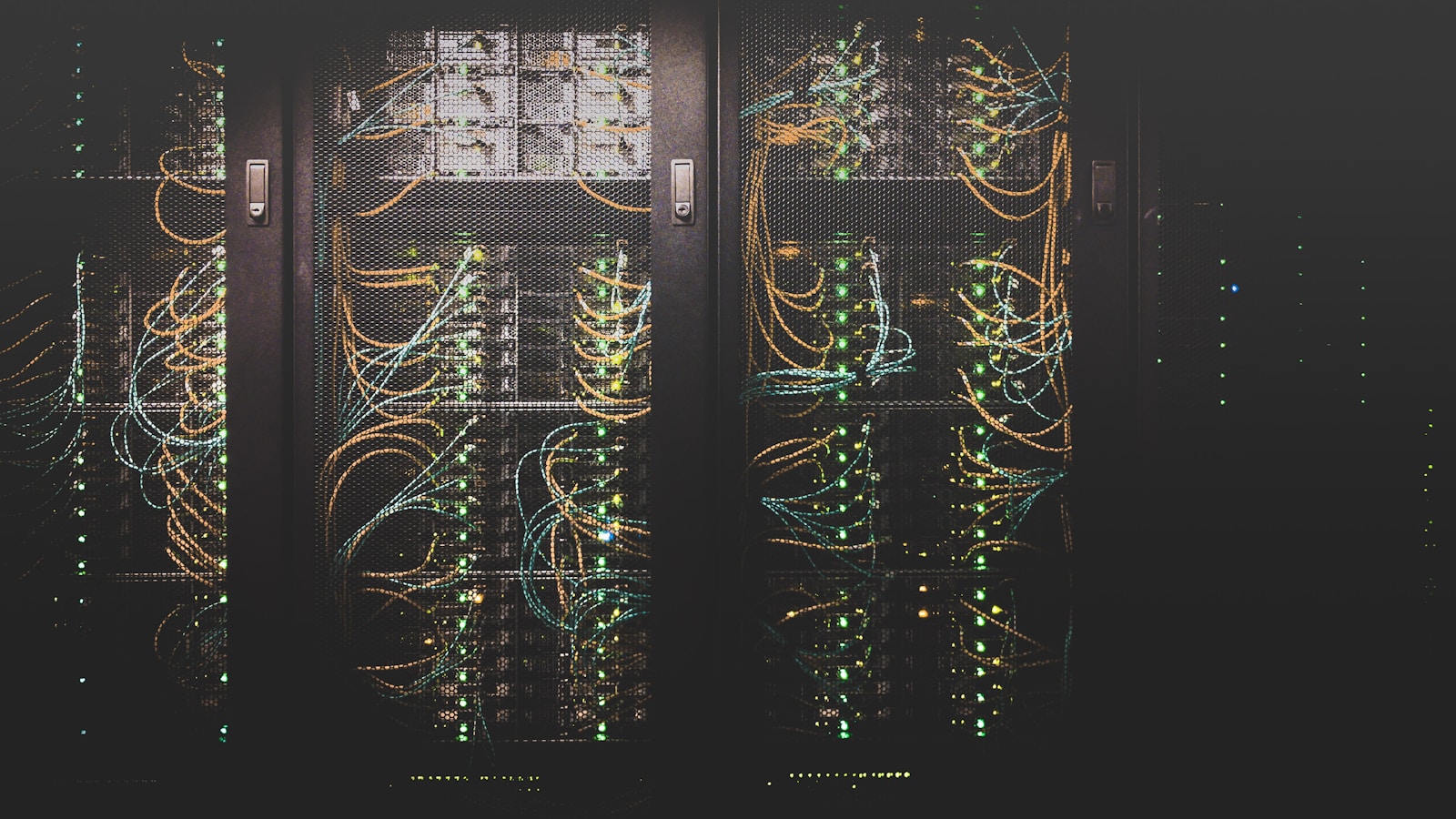
The reason to set up a home server in 2026 is not to save money — by the time you account for hardware and electricity, the cloud is competitive — but to own your data. A home server is a small, always-on computer in your closet that holds your photos, files, media, and a handful of self-hosted apps that do what Google, Apple, and Microsoft do, without sending everything you touch to a stranger's profiling model.
Hardware: do not overbuy
The two reasonable starting points in 2026:
- A second-hand mini PC (Beelink, Minisforum, refurbished Lenovo M-series). Around €200–€350. Quiet, low power (8–15W idle), plenty fast for everything below.
- A used micro tower (Dell OptiPlex 7060/7080, HP EliteDesk 800 G6) with a couple of internal SATA bays for storage. Around €200–€400 used. The right pick if you want to grow into a NAS.
Skip the Raspberry Pi for a first home server. It is fun for tinkering and bad at storage. Skip the rack server too — you will not enjoy the noise.
Storage: keep two copies, not one
The number of "I lost everything" home-server stories is depressingly high. Plan from day one:
- One drive for the OS and applications (a small NVMe, 256–512 GB).
- One or two larger drives for your data (HDDs are fine; SSDs only if your wallet is open).
- An off-site backup, even if it is a USB drive at a friend's house that you swap quarterly. Cloud backup of important folders to Backblaze B2 or Hetzner Storage Box costs €1–€5 a month and saves you from the day a power surge eats both internal drives.
Three locations beats one box, no matter how clever the box is. RAID is not backup.
Operating system: pick the boring one
For a first server in 2026, use Debian 13 or Ubuntu Server 24.04 LTS. Both are free, both have huge communities, and both will get security updates for years without you doing anything. If you want a slightly higher-level experience, Proxmox gives you a web UI and the ability to run virtual machines and containers — useful if you plan to run more than three or four services. For a curated NAS-first experience, OpenMediaVault or TrueNAS Scale save you from configuring shares by hand.
Whatever you pick, install it once, snapshot the config, and resist distro-hopping every six months. The boring server is the working server.
The first five services worth running
Do not install everything you read about. Start with five and live with them for a month before adding more.
1. File sharing — Samba (built into your OS)
The simplest possible win. A shared network folder accessible from every laptop, phone, and TV in the house. No app store account required. No "drive cleanup" emails.
2. Photo backup — Immich
Immich is a self-hosted Google-Photos clone that has matured remarkably fast. iOS and Android apps automatically back up new photos to your server. Face recognition, search, albums — most of what you used Photos for, without uploading family pictures to anyone's training data.
3. Backups — Restic or Borg
Backup software for your laptops, not your server. Both store encrypted, deduplicated snapshots and run from a cron job. Test the restore the first week or you do not actually have backups, you have hopes.
4. Media — Jellyfin
If you have a movie and music collection, Jellyfin serves it to every TV, phone, and tablet on your network. The interface is friendlier than it was three years ago, and the apps run on every platform that has a screen.
5. Reverse proxy — Caddy or Traefik
You will eventually want HTTPS on your services so you can use them safely from your phone outside the house. Caddy is the easiest reverse proxy on Earth — three lines of config and you have valid TLS certificates. Pair it with a free dynamic DNS provider or a Tailscale tailnet, and you are done.
Security: the boring stuff that actually matters
Self-hosting is one tutorial away from being a public-internet honeypot. The minimum bar:
- SSH on key auth only. Disable password login the moment your key works.
- Automatic security updates. Unattended-upgrades on Debian/Ubuntu. Never skip this.
- Do not expose admin panels to the internet. Use a VPN — Tailscale in 2026 is essentially free, makes any service reachable only from your authorized devices, and removes 95% of the exposure surface.
- Different passwords per service. Your password manager should hold them; you should not type them.
- Off-site encrypted backup. Already mentioned above. The single best thing you can do for future-you.
Skip the "exotic firewall + custom DNS + IPS" rabbit hole until you can describe what each component is doing. Most home-server breaches in 2026 are still SSH brute-force on weak passwords or unpatched WordPress plugins.
The mistakes that ruin your weekend
- Using consumer "Snapdragon" or "Pi-class" devices for storage. Slow disks, bad SATA controllers, and the world's most fragile USB-to-SATA cables. Use a real PC for files.
- Running 30 Docker containers on day one. Each one is one more thing that breaks at 11 pm when you just wanted to watch a movie.
- No documentation. Six months from now you will have no memory of why you set the bridge that way. Write a 10-line README per service in a Git repo.
- Skipping the UPS. A €70 battery backup saves you from the brownouts that will eventually corrupt your filesystem. Cheap insurance.
What it ends up costing
Realistic first-year budget for a starter home server in 2026:
- Mini PC, used: €250
- 2× 4 TB HDD: €170
- UPS: €70
- Off-site cloud backup: €40 / year
- Electricity (15 W average): €30 / year
About €500 up front, €70 / year recurring. Replaces around €15 / month of cloud subscriptions in most households. The break-even is roughly two years; the data ownership is forever.
Bottom line
Setting up a home server in 2026 is genuinely achievable in a weekend if you pick boring hardware, a boring OS, and five boring services. Resist the urge to start with everything. Get the basics rock-solid, live with them for a month, then expand. The point is not to recreate AWS in your closet — it is to quietly own the corners of your digital life that matter most.