
Most people who want to take better photos with their phone are looking for the magic filter or the new lens accessory. The honest answer is that 80% of the difference between a forgettable phone shot and a striking one comes from composition and light, both of which are free. The phone you already own is more than capable; the eye behind it is the upgrade.
The five composition rules that lift any shot
1. Rule of thirds (and when to break it)
Turn on the grid in your camera app. Place your subject's eyes (for portraits) or the horizon (for landscapes) along the upper or lower third line, not the centre. The off-centre composition creates more visual interest. Break the rule deliberately for symmetric subjects (architecture, reflections, head-on portraits with strong eye contact).
2. Watch the background, not just the subject
The fastest way to ruin a photo is letting a tree appear to grow out of someone's head, or a bright window blow out behind them. Before pressing the shutter, do a 1-second background check: is anything distracting, growing out of, or behind the subject? Adjust your angle or position. This single habit eliminates 60% of "almost-good" phone photos.
3. Get closer or get further
Most amateur shots are taken at the same distance — 2–3 metres from the subject. Try moving 2x closer or 2x further. Closer creates intimacy; further creates context. The "default middle" distance produces the most boring photo.
4. Lead the eye
Use leading lines — roads, fences, riverbanks, architectural lines — that draw the eye toward the subject. The eye naturally follows lines; great photographers use this on purpose.
5. Light first, subject second
The same scene at noon and at sunset are different photos. Soft directional light (early morning, golden hour, overcast diffuse light) flatters everything. Harsh midday sun flattens nothing. If the light is bad, change time of day, change angle, or wait. The light is the photo, not the subject.
Phone settings that most people leave wrong
- HDR auto. On modern phones (iPhone 13+, recent Pixels and Samsungs), leave HDR on auto. The dynamic range improvement is dramatic; it almost never hurts.
- Resolution to highest available. Many phones default to a slightly compressed setting. Switch to highest-quality jpeg or HEIC, especially if you might print or crop later.
- Grid lines on. Settings → Camera → Grid. Eliminates the wonky horizons that ruin so many photos.
- Live Photos / motion off for landscape and architecture; on for events and pets where moments matter.
- Disable "auto-enhance" filters on Samsung and other phones that over-process by default. Take the raw scene and edit it yourself.
The phone-specific tricks worth using
Lock focus and exposure
Tap and hold on the subject. AE/AF lock turns on. You can now recompose without the camera changing focus or brightness. This single trick separates serious phone photography from snapshots.
Drag the exposure slider down
Phones in 2026 still tend to over-expose by default, especially in tricky light. After tapping to focus, swipe down on the exposure slider to slightly underexpose. You can recover the shadows in editing; you cannot recover blown-out highlights. Underexpose by 0.3–0.7 stops as a habit.
Use the volume button as a shutter
Steadier than tapping the screen. Especially useful for low-light shots where any camera shake creates blur.
Take three shots, not one
For any moment that matters, take three quick shots. The middle one is usually best. Storage is cheap; missed moments are not.
Editing — the underrated half
Phone photos benefit from 30 seconds of editing. The five edits that lift almost any shot:
- Slight crop to fix horizon and improve composition.
- Lift shadows to recover detail.
- Reduce highlights to recover blown-out skies.
- Add slight contrast for pop.
- Warm or cool the white balance based on the mood you want.
Apps that do this well: Apple Photos itself (built-in editor is genuinely good), Snapseed (free, powerful), Lightroom Mobile (subscription, professional). Skip filter-heavy apps — they age badly and produce uniform-looking feeds.
Common amateur mistakes
- Zooming digitally. Phone digital zoom is image-cropping; it loses quality. Walk closer or accept the wider frame. Optical zoom (2x, 3x, 5x lenses on flagships) is fine.
- Using flash indoors. Phone flash flattens everything and produces harsh shadows. Move to a window instead.
- Shooting verticals only. Many subjects look better in landscape orientation. Make a habit of trying both.
- Posting unedited. Even Apple's photographer-of-the-year shots are edited. The "raw out of camera" aesthetic is rarely the right call.
When to bring a real camera instead
Phones in 2026 have closed most of the gap, but real cameras still win in:
- Low light without a tripod (full-frame sensors gather more light).
- Telephoto sports and wildlife (300mm+ lenses on a phone are computational fakes).
- Studio portraits with controlled lighting.
- Cropping aggressively after the fact (more megapixels of clean detail).
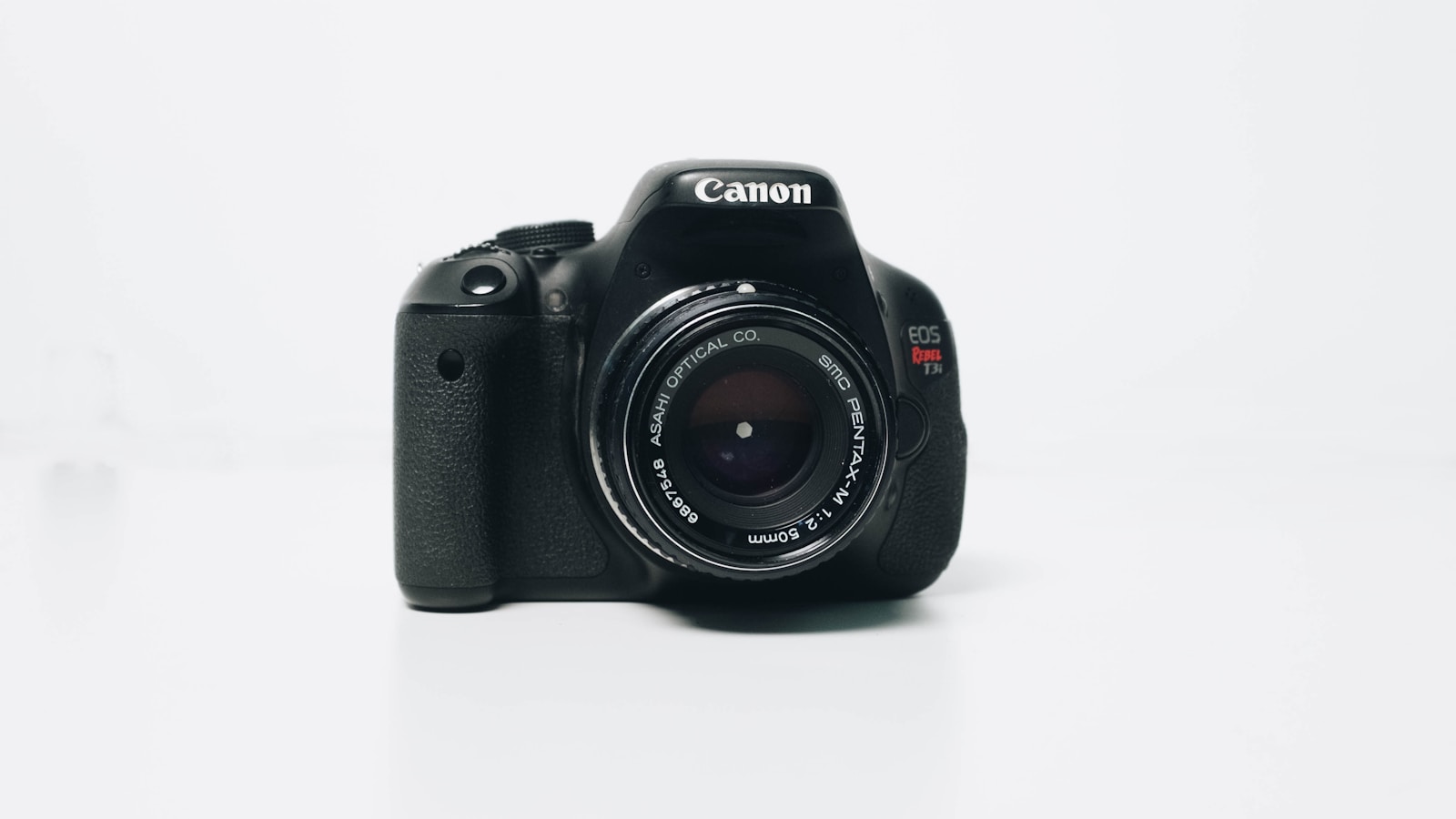
For the other 90% of life — travel, casual portraits, food, daily moments — your phone is enough. The skill matters more than the equipment.
Bottom line
Taking better photos with your phone in 2026 is composition (rule of thirds, watch the background, get closer, lead the eye, prioritise light), settings (HDR auto, grid on, exposure dragged down), and 30 seconds of editing per keeper. Skip the filter packs, the gimmicky lens attachments, and the "magic" AI enhancers. Practice the five composition rules for a month and your photos will look measurably better — without changing the phone in your pocket.